

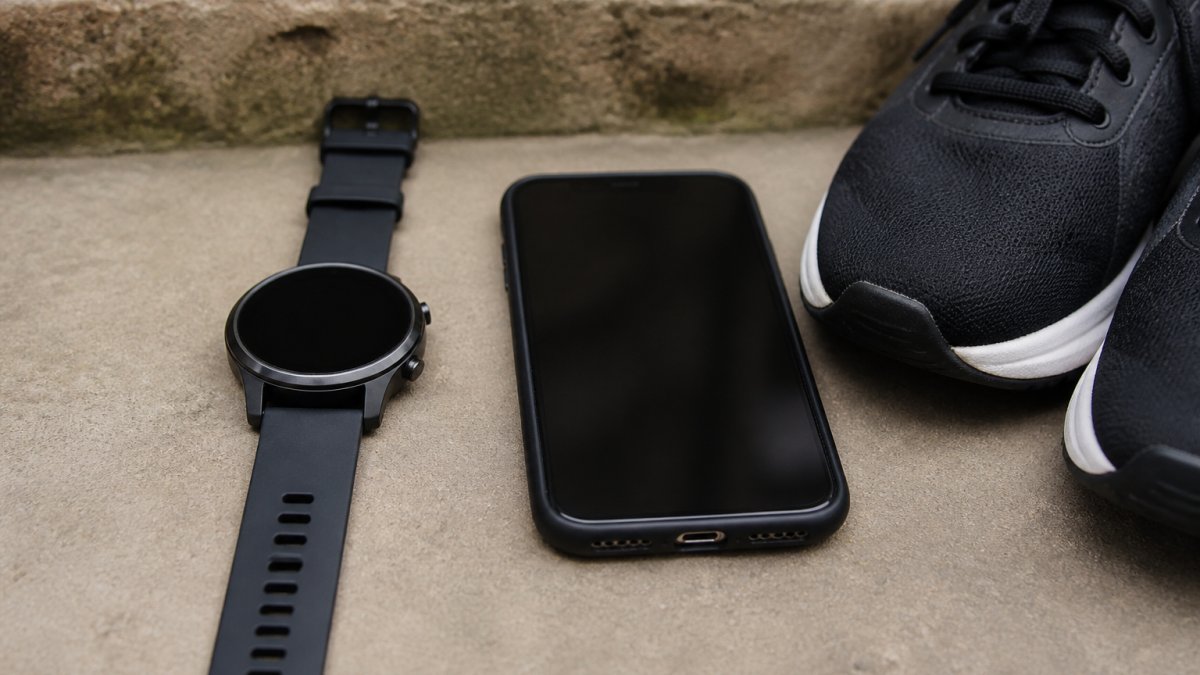
Table of Contents
- Running Watch vs Phone for Tracking: The Core Trade-Offs
- GPS Watch Accuracy vs Smartphone: What the Data Shows
- Battery Life and Running Metrics: Watch vs Phone Compared
- Best Running Apps for Virtual Challenges: What to Look For
- The Hidden Costs of Tracking With a Phone
- How to Submit Evidence From Either Setup
- Frequently Asked Questions
Last Updated: September 30, 2026
Running Watch vs Phone for Tracking: The Core Trade-Offs
Choosing between a running watch and a phone for tracking comes down to one question: how much do you value not carrying your phone? A phone tracks distance, pace and route perfectly well for most runs. A watch removes the bulk, the bouncing and the battery anxiety. That is the whole trade-off in a sentence.
This guide from The Running Bug covers both setups honestly, including where each one falls short. Below, we break down GPS accuracy, battery life, running metrics and the hidden costs nobody mentions.
The running watch vs phone for tracking debate matters more than it used to. Virtual challenges let you run anywhere, submit evidence from any device, and still earn a medal for your distance. So the device you choose should suit your route, not the other way round.
GPS Watch Accuracy vs Smartphone: What the Data Shows
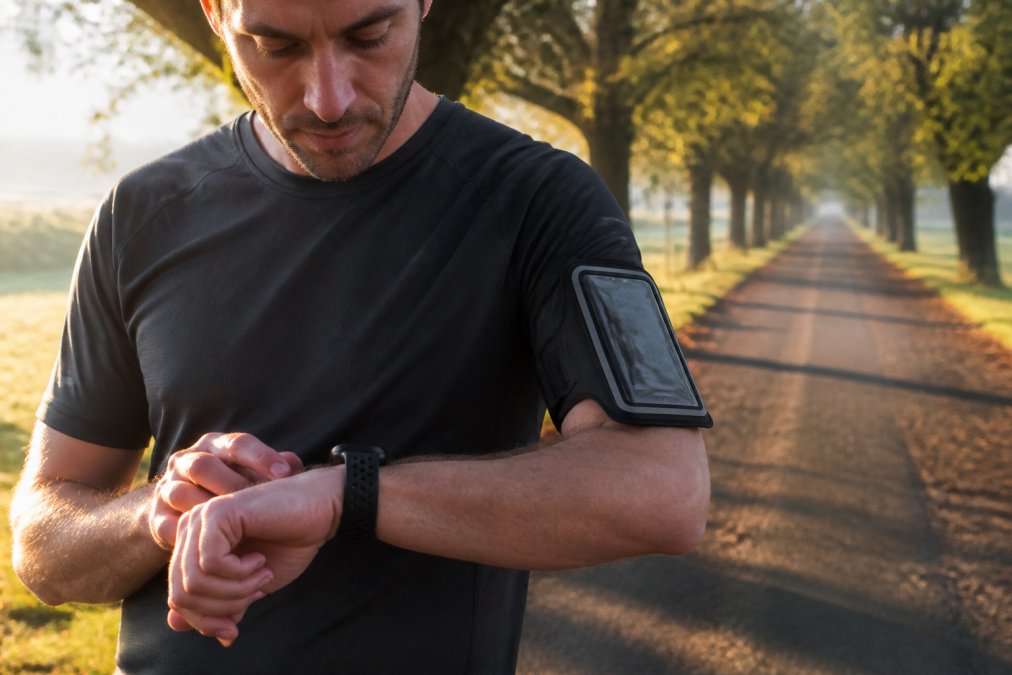
GPS watch accuracy vs smartphone is closer than most runners assume. Both rely on the same satellite networks, so the raw positioning data starts from the same place. The difference lies in the hardware and how each device handles a weak signal.
Watches usually hold a stronger fix because the antenna sits on your wrist, facing the sky, with no body blocking it. Phones often sit in an armband, a pocket or a waist belt, where your torso shields the antenna. Under tree cover or between tall buildings, that gap widens.
Neither device is perfect. Urban canyons and dense woodland cause drift on both, and no consumer GPS handles a tunnel well. For most road and park running, a modern phone is accurate enough to trust.
When Your Phone GPS Is Good Enough
Stick with your phone if you run the same familiar routes and care mainly about distance and time. A phone in a secure armband records pace, splits and a route map without any extra purchase.
It also wins on convenience. One device for music, maps, emergency calls and tracking. For casual runners building a habit, that simplicity matters more than marginal accuracy gains.
When a Watch Earns Its Place on Your Wrist
A watch makes sense once you start chasing specific numbers. If you want real-time pace on your wrist without stopping to check a screen, or you are training for a longer distance, the watch removes friction.
Watches also shine for interval sessions. Glancing at your wrist mid-rep is faster and safer than digging a phone out of a pocket. And for anyone running without pockets, that alone settles it.
A common mistake is buying a premium watch for GPS accuracy you will never notice on a flat park loop. If your routes are open and your goals are distance-based, a phone in a decent armband is money saved.
Battery Life and Running Metrics: Watch vs Phone Compared
Battery life is where the two setups diverge sharply. A phone running GPS, music and a tracking app can drain fast, especially on older handsets. A dedicated watch typically lasts far longer because it does one job. This same reliability gap persists when comparing smartphone cycling setups against dedicated navigation devices.
Running metrics also differ. Phones capture distance, pace, elevation and route. Watches add heart rate from the wrist, cadence, ground contact time and training load, depending on the model.
| Feature | Phone | Running Watch |
|---|---|---|
| GPS accuracy | Good, drops in pockets | Strong, wrist-mounted |
| Battery drain | High with GPS and music | Low, built for it |
| Heart rate | Needs a strap | Wrist sensor on most |
| Music | Built in | Varies by model |
| Cost | Already owned | Extra purchase |
| Bulk on run | Noticeable | Minimal |
The honest answer: a phone covers the basics, a watch covers the details. If you only need distance and time for a virtual challenge, the phone wins on value.
Best Running Apps for Virtual Challenges: What to Look For
The best running apps for virtual challenges share three traits: reliable GPS logging, easy evidence export, and clear distance tracking. Everything else is a bonus.
When you are choosing, check these first:
- Does it export a GPX file or a clear screenshot with distance and date?
- Does it track distance accurately without pausing mid-run?
- Can you run it on the phone you already own?
- Does it sync with your watch if you have one?
- Is the interface simple enough to use when you are tired?
Most mainstream apps handle all of this. The app matters less than the habit of recording every run consistently.
What most guides miss is that evidence format is the real deciding factor. A beautiful app that exports nothing useful is worse than a plain one that produces a clean file.
The Hidden Costs of Tracking With a Phone
The hidden costs of phone tracking rarely appear in the headline price. They show up over months of running.
First, battery. A phone that dies at mile eight leaves you with no record and no way to call for help. Second, wear and tear. Sweat, rain and the occasional drop shorten a phone’s life. Third, data. Some apps push subscriptions for features a watch gives you outright.
Then there is the awkwardness. Armbands chafe, pockets bounce, and holding a phone ruins your form. None of these are deal-breakers alone. Together, they push many runners toward a watch eventually.
Running with a phone in your hand for long distances strains your shoulders and disrupts your stride. If you track by phone, use an armband or belt, or the tracking habit will cost you comfort.
How to Submit Evidence From Either Setup
Submitting evidence works the same whether you track by watch or phone. You record the run, then upload proof of distance and date.
Here is the simple process:
- Start your tracking app or watch before you set off.
- Run your distance without pausing the recording.
- Stop the activity and save it.
- Export a GPX file or take a screenshot showing distance, date and time.
- Upload it to your challenge platform.
At The Running Bug, you submit your evidence through your account after each run. Our team reviews it, and your medal is on its way. The setup on your wrist or in your pocket does not change that.
The community side matters too. With over 3,800 participants and more than 100 themed races, you are running alone but never really on your own.
The device is not the point. Consistent recording and a clear evidence file are what turn a run into a medal, whichever setup you choose.
The real challenge is not picking a device. It is staying motivated once the novelty fades and the calendar gets busy. That is where structure and reward do the heavy lifting.
The Running Bug turns your runs into something to look forward to, with flexible virtual races from 5k to marathons, stylish medals posted to your door, and charitable giving built into every entry. Create an account and you get 15% off your first race.
Get started with The Running Bug and turn every run into progress you can hold in your hand.
Frequently Asked Questions
Are running watches more accurate than phone GPS?
Generally, yes, but the gap is smaller than many people assume. A dedicated running watch locks onto satellites faster and holds the signal better under tree cover or between buildings, so its recorded distance tends to be more consistent. Phones rely on a shared antenna and compete with other apps for power, which can cause drift. For most recreational runners, either option records a virtual 5k or 10k accurately enough to submit as evidence.
Do I need a GPS watch to take part in virtual running challenges?
No. Most virtual challenge platforms accept screenshots from phone apps showing distance, time, and date. If you are working towards your first 5k or fitting runs around a busy schedule, your phone is perfectly adequate. A watch becomes worthwhile when you want heart rate data, structured workouts, or to run without carrying anything. What matters most is that your evidence clearly shows the distance covered and the date.
Can I use a phone app to track my progress for virtual race medals?
Yes, and plenty of runners do. Choose an app that exports a clear summary screen showing distance, duration, and date, then screenshot it straight after your run. Some apps sync directly with challenge platforms, which removes the manual step. If you use the best running apps for virtual challenges, check beforehand whether they support direct uploads or whether you will need to submit a screenshot manually.
Is it worth carrying a phone while running for tracking purposes?
It depends on how you feel about weight and safety. Carrying a phone means you have emergency contact access, music, and a tracking app in one device. The downside is bulk, battery drain on longer runs, and the risk of rain damage. Many runners compromise by using a watch for tracking and leaving the phone at home for shorter, familiar routes, or carrying it in a belt for longer efforts.